01
Choose a photo
Use a well-lit subject with visible edges and a simple background.
 JewelColoring
PHOTO TO SKETCH
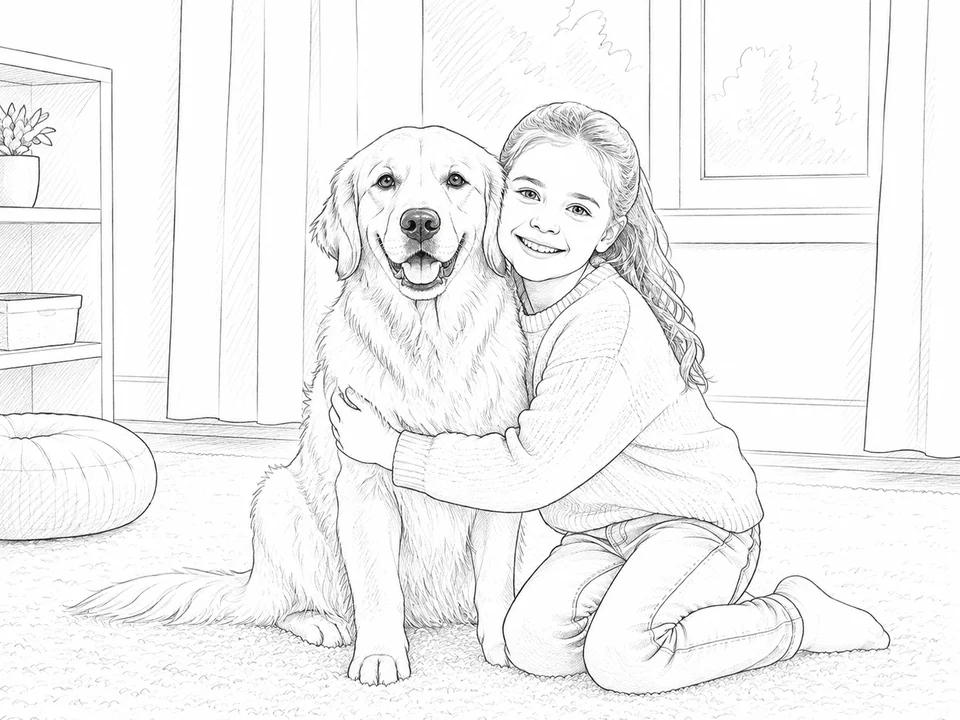
Create a simple hand-drawn style reference from an image you have permission to use.
How it works
01
Use a well-lit subject with visible edges and a simple background.
02
Explore a clean sketch direction that keeps the important shapes recognizable.
03
Download the result for drawing practice, crafts, or a coloring project.
Start with a simple idea, explore the controls, and make a printable result in a few playful steps.
Start with a photo